 Club
ClubYou've played a thousand games. Now code one.
Design 3D battle robots, fighters, characters and whole worlds. Learn how to build many different types of games. Code game engines in Python. Change the game itself with safe, guided, use of AI. Live online sessions every week, in small groups with the same mentor, from just £49 a month.
Real club game clips - Games start simple, then powered by your imagination, almost anything you can imagine can be built, tested and then played online with your group.
Not your normal Computer Science Lesson: Games you design, code, test and play online with your group.
Every club member gets an account in the Club Coders Game Engine app. The coding and gaming environment opens on your laptop or PC. Everyone's player is in a safe, shared world, in which you can change almost anything. Take a look at two of our games:
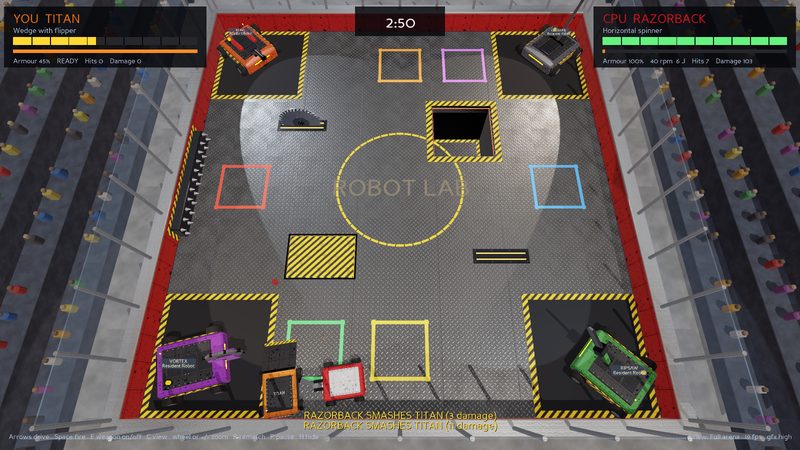
Robot Lab
Design and code a battle robot. Make design decisions to balance between speed, attack, armour and control. Design its body, weapons and control it yourself against the computer and the other players in your group. Then write brains in Python and allow your robot to fight autonomously with the other players whilst avoiding the pit, saws, spikes, the four Resident Robots, plus anything else you and your group design!
- Physics-driven 3D arena with hazards and Resident Robots
- Your robot as editable Python code
- Build robot brains and immersive environments
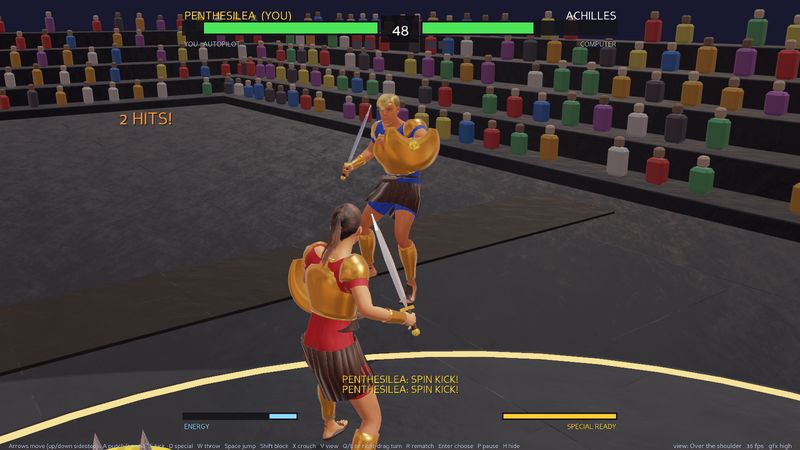
Fight Lab
Design and code a 3D fighting game with sidesteps, combos, specials and much more. Design your character, the arena, fighting style, combo, special moves, all as Python code. Write a Non-Playable Character brain that blocks, dodges and counters. Play against the other members in your group.
- Motion-captured editable fighters and fighting styles. Change almost anything you can imagine.
- Your fighter as Python code
- Create new game types and new immersive arena environments.
75 minutes. One mission. Everyone in the same virtual environment.
Each mission has coding activities the mentor checks for and works on with each person to make the game their own.
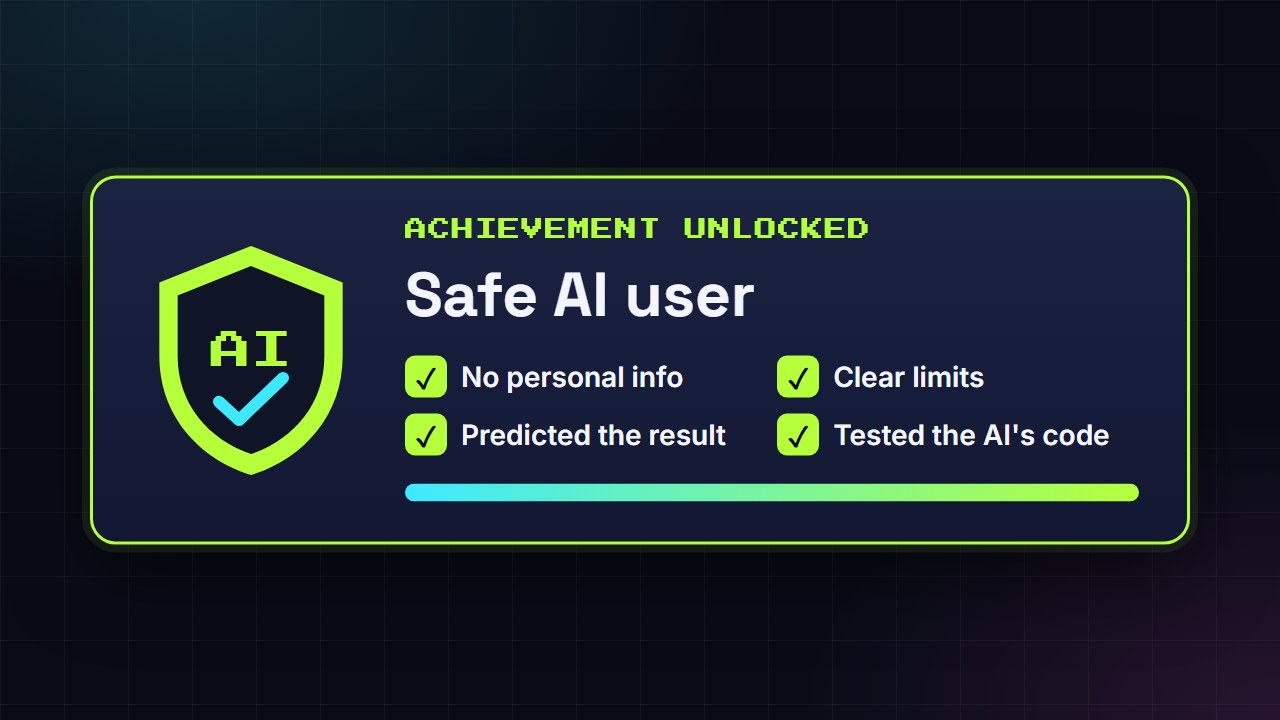
Everyone else talks about AI. Here you program and change a real game with AI - Then play it.
Groups write AI requests inside the game. The mentor runs each request through advanced game AI and runs tests to make sure the results are safe. You get to make advanced mods to your games and test them in real-time in a shared safe environment.
- Write a safe, precise AI request (no personal information, clear limits, a defined way to test it)
- Predict what will happen, then test it in a game
- Test the AI-written code and find the mistakes hidden in it
- Learn about AI and its safe and appropriate use.
Exciting enough for them. Reassuring enough for you.
Club Coders turns the hours your child already spends gaming into hours spent designing, coding, testing and explaining. Every session produces evidence of progress that is shared with you at the end of each season.
Enhanced DBS-checked mentor
Every session is run by Peter, DBS-checked and safeguarding-trained, with over a decade in STE(A)M education.
Small groups
Same group, same mentor, same day, same time every week. The environment is built for everybody so nobody is a spectator.
A learner card after every season
A PDF showing the missions completed, the computing outcomes they showed, and the mentor's feedback.
No direct text chat, voice and usernames only
The games have no text messaging. Learners log in with a username; the UK class server stores a hashed password and their designs. Communication is by group audio only.
Mapped to the DfE curriculum
Every mission is linked to the KS3 and KS4 computing curriculums and DfE guidance on AI.
A Windows laptop or home computer is all you need
Download the Club Coders app, no install. Windows 10 or 11. (Mac and Chromebook are not supported yet).
One monthly fee. No joining fee. Cancel anytime.
Try a free taster first. If you love it, pick a plan.
Free Taster
Robot Lab lesson 1, live. Build, test and code your first robot.
- No card details needed
- Parents welcome to sit alongside
- Small groups
- Zero pressure to join
Club Membership
One live 75-minute session every week, same group, same mentor.
£59/month after launch · founding price locked-in for founding members
- Robot Lab, Fight Lab and Open Studio seasons
- Your own account, players, environments and brains
- AI requests run and reviewed every week
- Learner card PDF after every season
- Optional Termly Tournament & Demo Days
Studio+
Two sessions a week: the standard lesson plus an open arena lab for brains and AI features.
£99/month after launch
- Everything in Club Membership
- Extra weekly open-arena session
- Priority on AI feature requests
- Extra tournament rounds
Refer a family and you both get £10 off · 10% sibling discount · Free exam pause · Holiday game-jam weeks available separately
Things people ask before booking.
Does my child need any coding experience?
What do you need at home?
Can they play between sessions?
They can already learn to code for free. Why pay?
Is it safe?
Can we cancel?
Founding places are limited to 30.
Book a free taster now. If it's a fit, lock in £49/month for a full year. Cancel at any time.